ModelMint Features: Excel Tools for Financial Analysts
Formula Trace
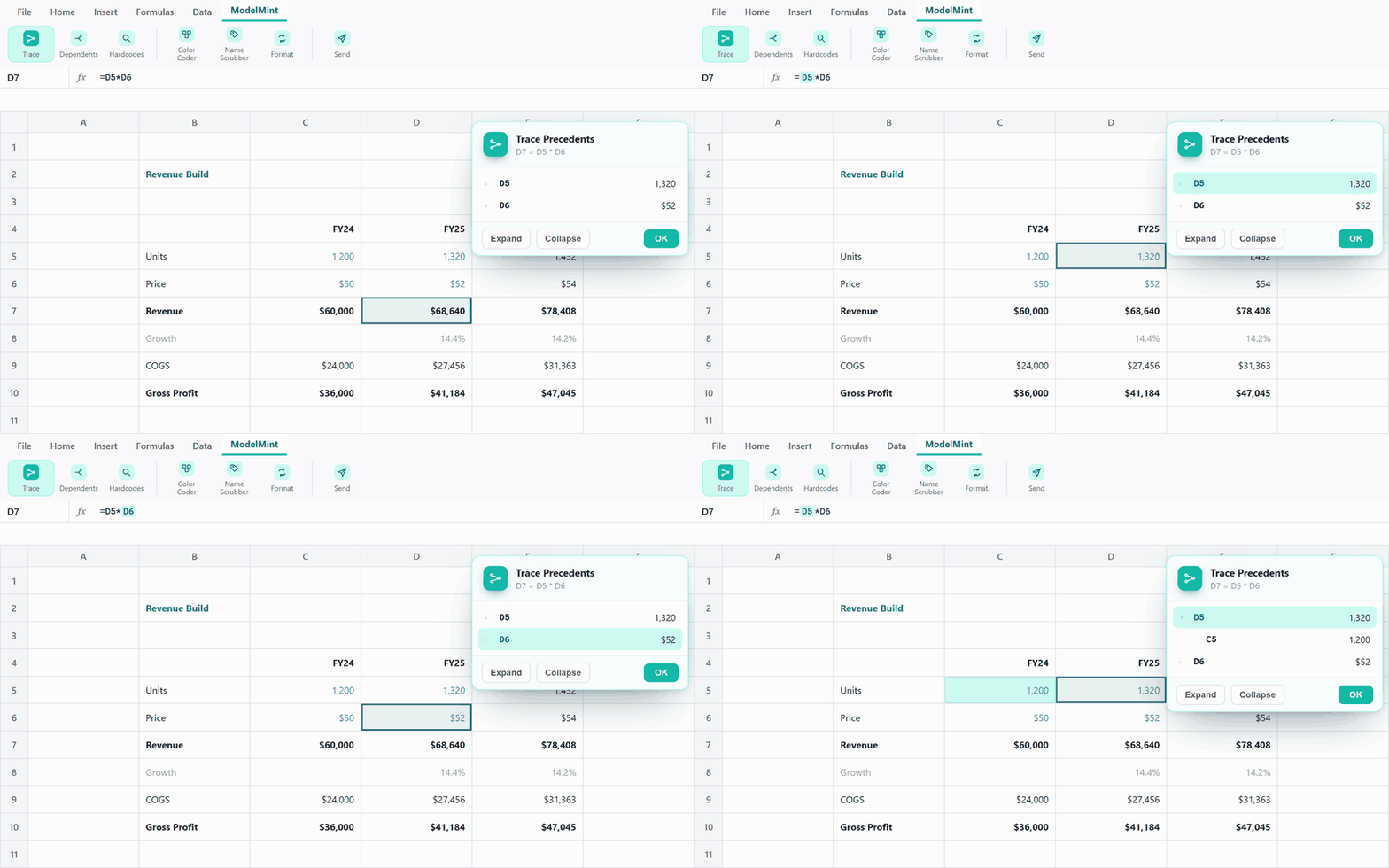
Walk a formula's precedents or dependents one layer at a time, navigating the sheet as you go. The live reference lights up right inside the formula bar.
Find Hardcodes
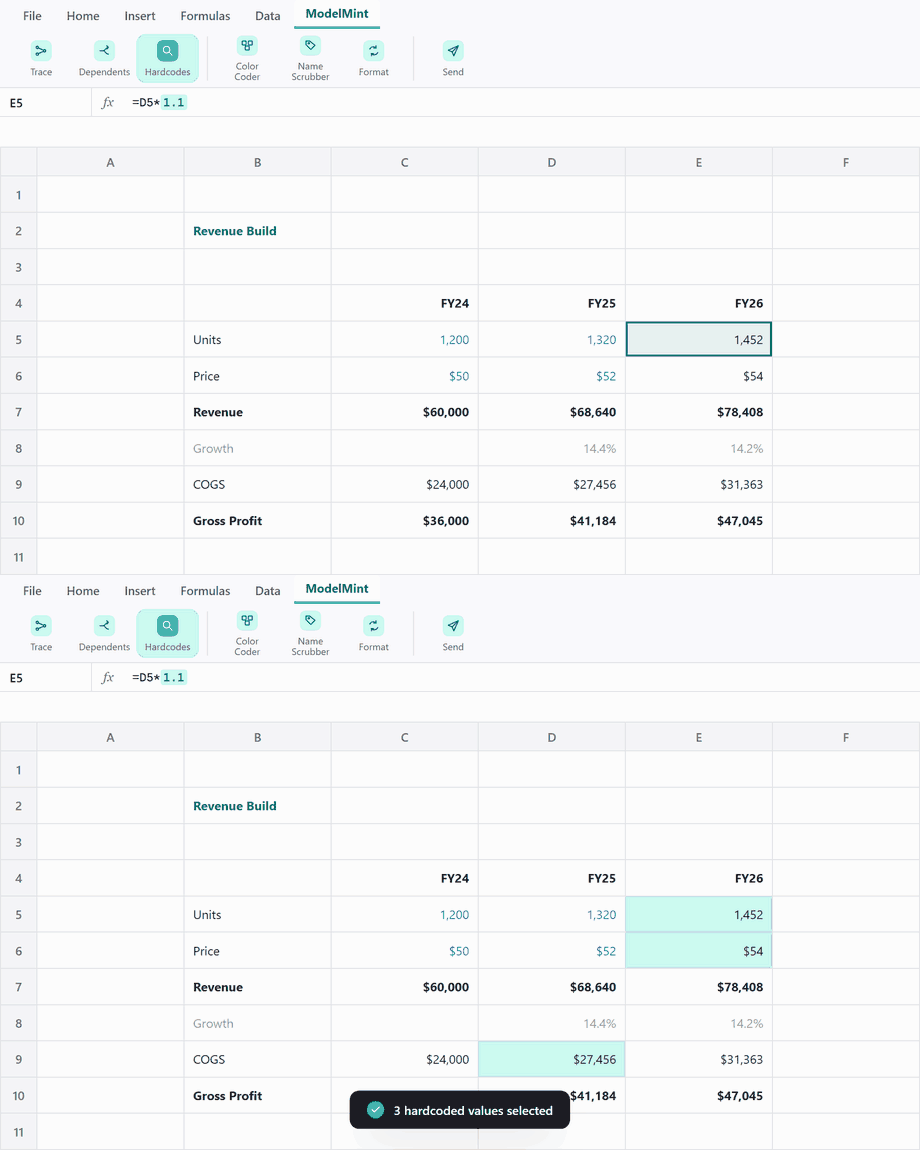
Surface plug numbers typed straight into formulas, the sneaky =Rev*1.05 fudges, and select them in one click.
Find Dependents
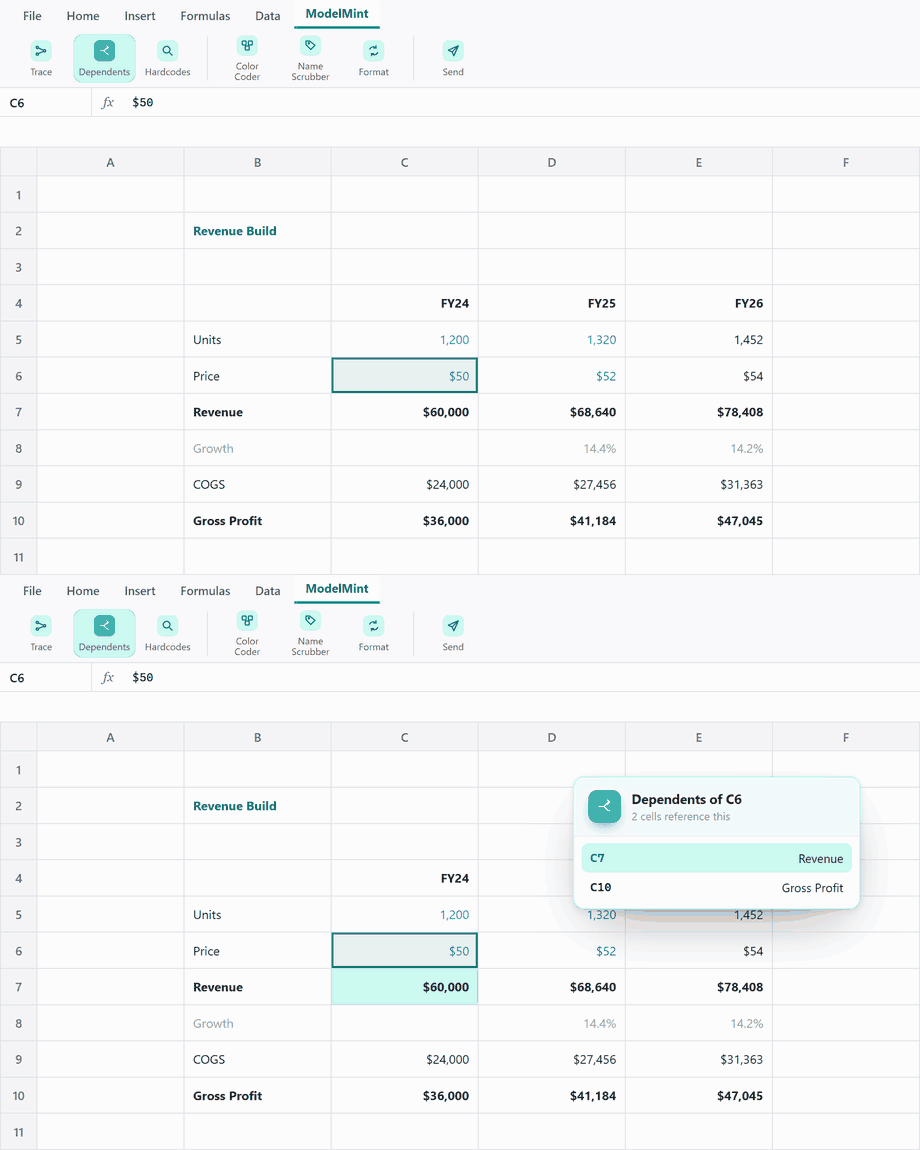
See every cell and sheet that references the one you're on, then jump straight to any of them.
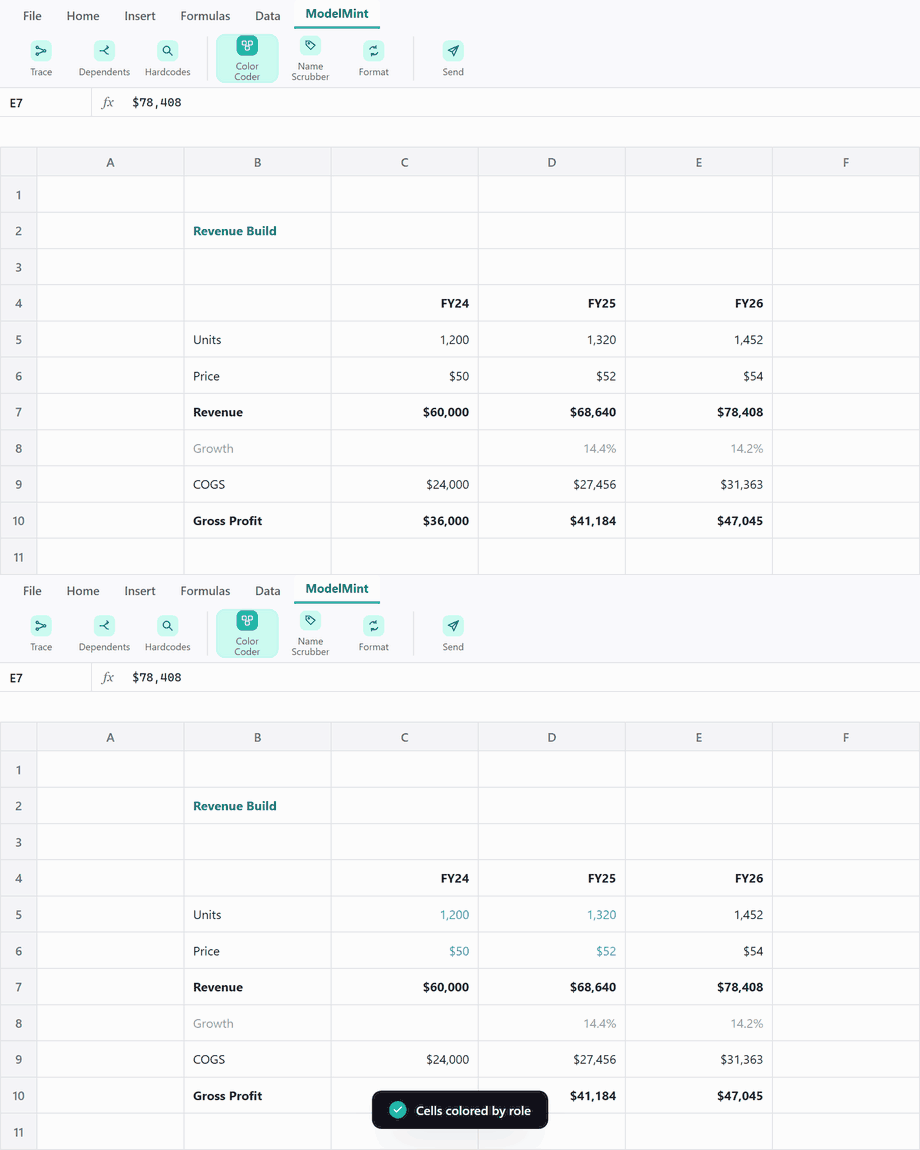
Color Coder
Paint cells by role, inputs, formulas, links and errors, so a model's structure reads at a glance.
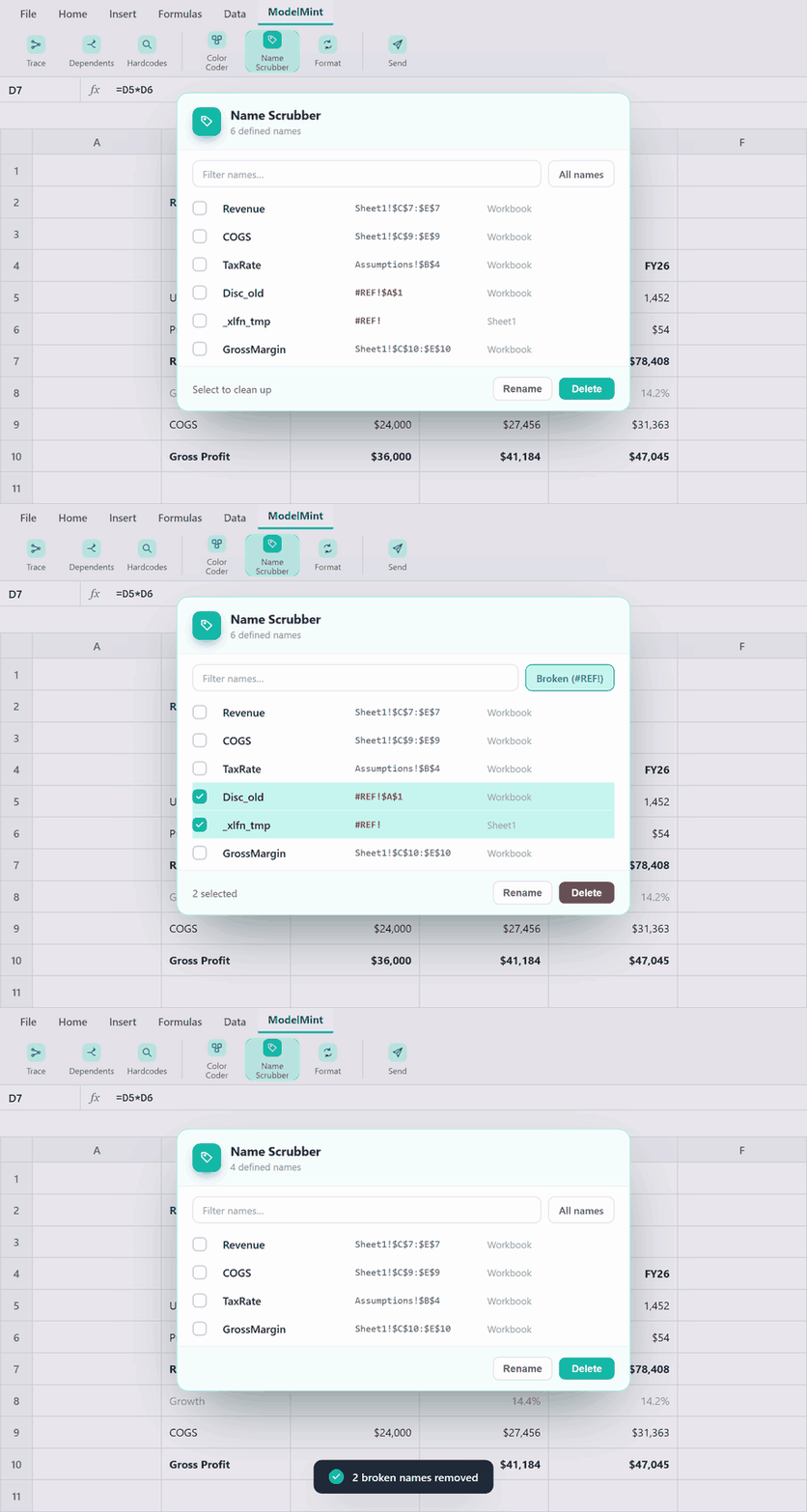
Name Scrubber
Filter, rename, hide, or delete defined names in bulk, and sweep out broken #REF! orphans.
Format Cycler
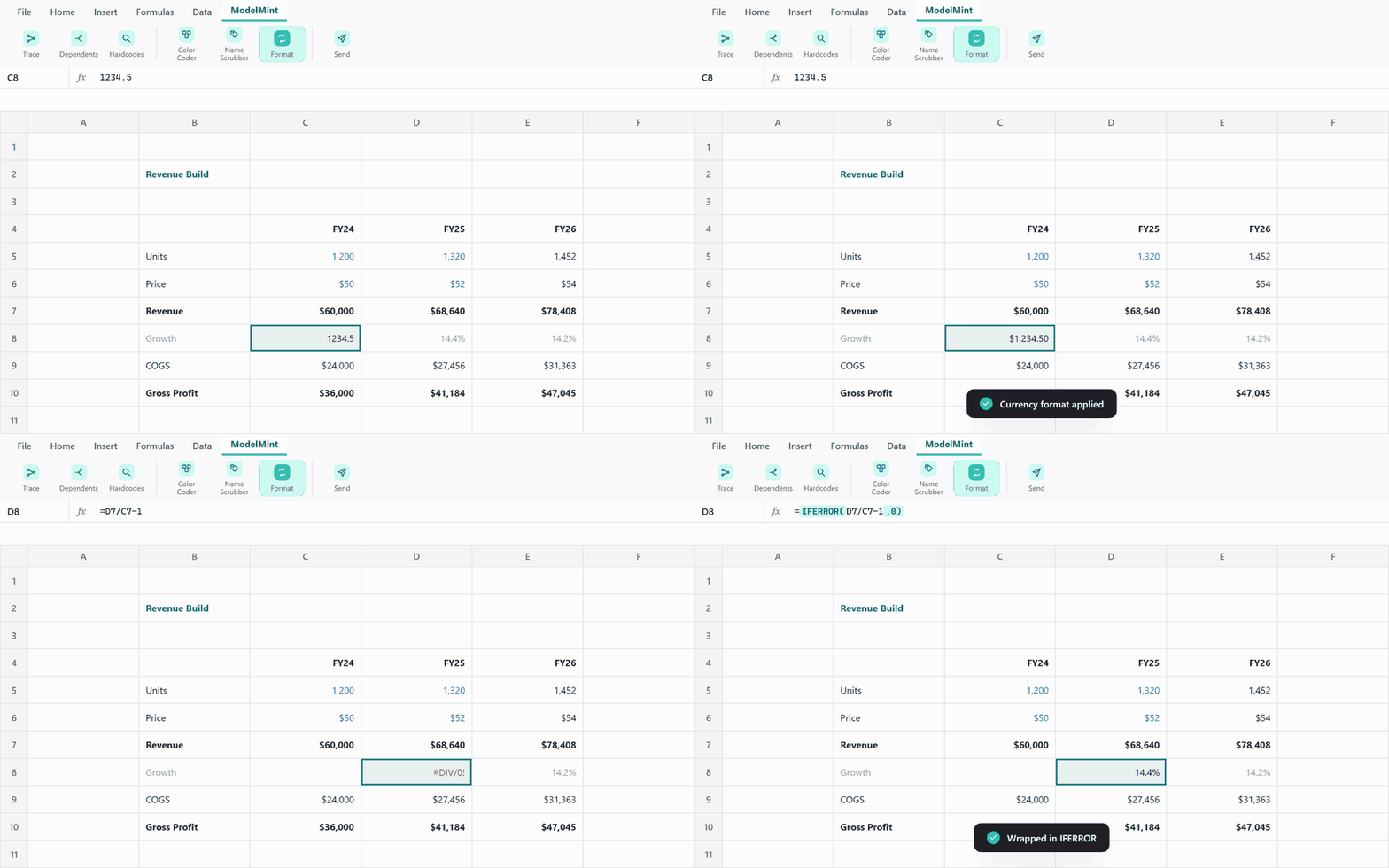
One shortcut cycles your selection through the number formats analysts actually use, from general to comma, currency, and percent.
Error Wrap
Wrap a selection in IFERROR, or strip an existing wrapper out, without retyping a single formula.
Paste Exact
Paste formulas, formats, and column widths exactly as copied, with no shifting references.
Hardcode Links
Convert every formula that links to another workbook into its current value, so the file stands on its own.
Copy as Image
Copy any range as a crisp, high-resolution image, ready to paste into a deck or an email.
Prepare to Share
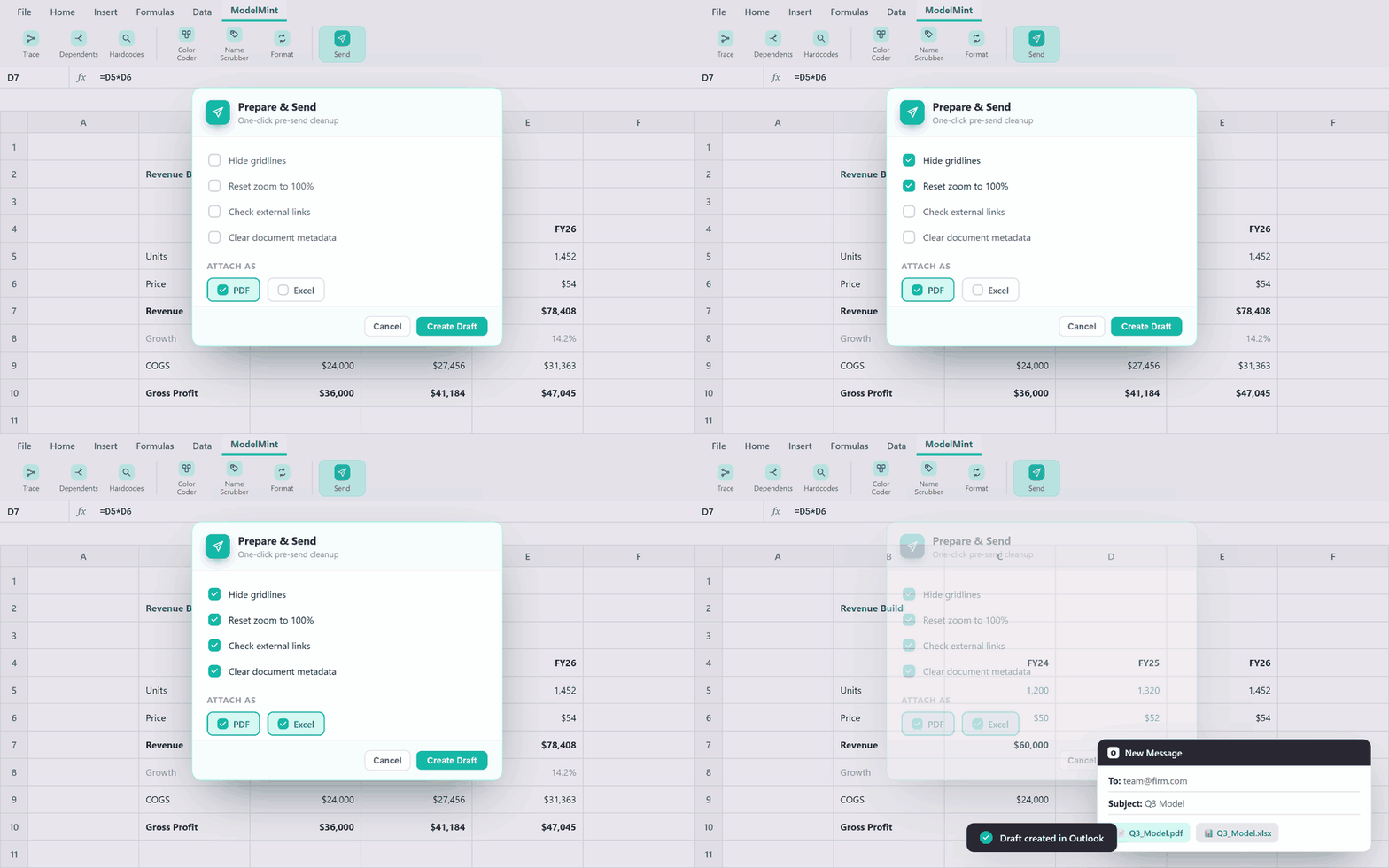
Run a one-click pre-send cleanup: hide gridlines, reset zoom, check external links, and clear document metadata.
Send Workbook
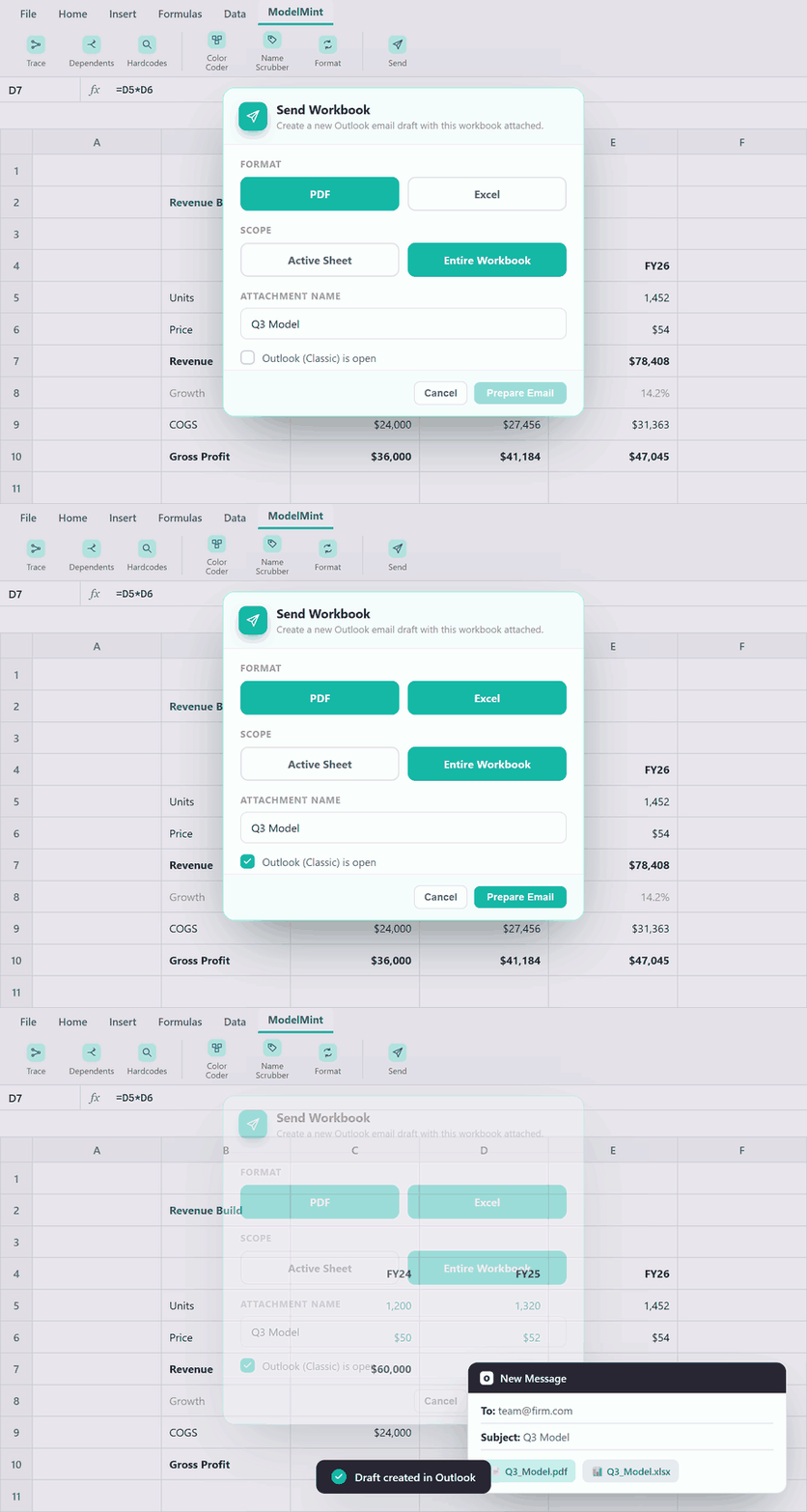
Email the workbook or the active sheet as a PDF, an Excel file, or both, dropped straight into an Outlook draft.